How to Find Your Lost Parked Car with Tile
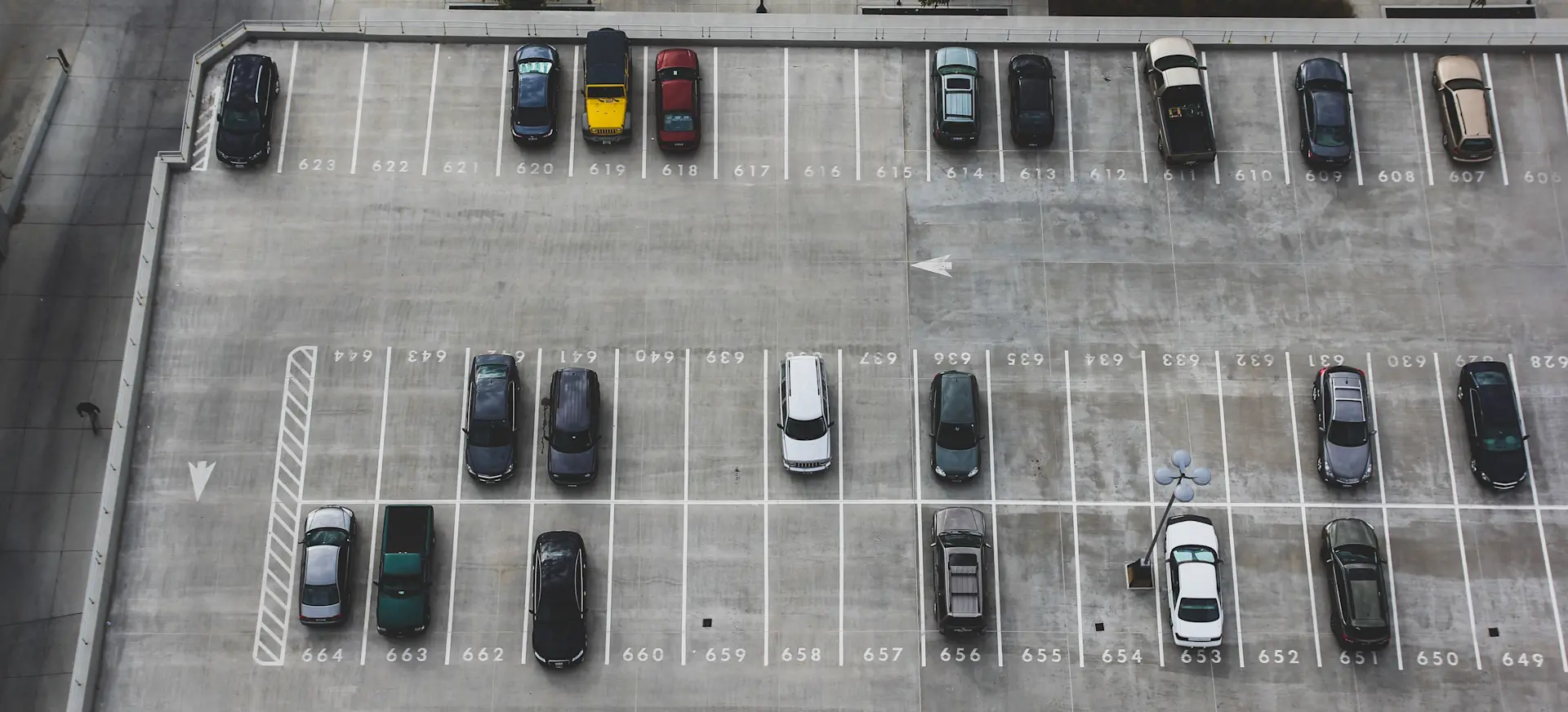
We've all been there - you exit the store and enter a sea of vehicles, only to realize you can't remember where you parked your car. Finding your vehicle can be frustrating if there are many similar models or you come from a different entrance. But with Tile, those worries are a thing of the past. So let's explore how a Tile car tracker can help you never lose your car in the parking lot again.
5 Ways to Find Your Parked Car
1. Utilize a Bluetooth Car Tracking Device
A Bluetooth tracking device, like Tile, can make finding your parked car a breeze. Attach a Tile to your car keys or place one inside your vehicle, then connect it to the Life360 app on your smartphone. Next time you search for your car, the app will guide you to your vehicle using its precise location.
2. Look for Remarkable Landmarks Where You Parked Your Car
When parking, identify landmarks nearby, such as a large tree, a sign, or a distinctive building. By associating your parked car with a memorable object, you're more likely to recall its location when it's time to leave. To further enhance your memory, consider snapping a quick photo of the landmark with your smartphone, giving you a visual reference when it's time to locate your vehicle.
3. Press Buttons on Your Car's Key Fob
If your car has a key fob, press the alarm or lock button to make it produce a sound or flash its lights. This can help you locate your vehicle quickly in a crowded parking lot. Some key fobs also have a car locator feature that can guide you to your vehicle using GPS technology.
4. Check the Parking Lot Row by Row
Systematically searching the parking lot row by row can be an effective way to find your parked car. Start at one end of the lot and work through, scanning each row carefully until you locate your vehicle. To make the process more efficient, try walking diagonally across the lot, allowing you to browse multiple rows at once while covering a larger area.
5. Seek Assistance
If you still can't find your car after trying the above methods, don't hesitate to seek help. Many parking lots have security personnel who can assist you in finding your vehicle. Alternatively, ask someone nearby for assistance or use a store intercom to make an announcement. Some parking facilities also offer mobile apps that can help you track your vehicle by inputting your parking space number or using GPS technology.
How Can Tile Trackers Help Find Your Lost Car
Tile trackers are easy-to-use, discreet devices that can be attached to your car keys or placed inside your vehicle. Connecting the tracker to your smartphone via the Life360 app lets you quickly locate your parked car using the app's map and proximity features. Your Tile ensures that wasting time searching for your vehicle is a thing of the past.
Never Lose Your Car in the Lot Again with Tile
Say goodbye to the frustration of searching for your parked car. With Tile, effortlessly locate your vehicle and enjoy a stress-free parking experience every time.
As you embrace the convenience of Tile for your vehicle, you will save time and avoid frustration and gain peace of mind knowing your vehicle is just a few taps away on your smartphone. So take control of your parking experiences and focus on what truly matters - enjoying your day without any parking lot worries.