Messy House? Get Organized And Say Goodbye To Anxiety With These Tips
Why Living in a Messy House or Room Can Cause Anxiety
Organizing your home can do more than just make your bedroom look Instagram-worthy. Research has found that getting organized also boosts your mental state. It turns out that being surrounded by clutter raises levels of stress hormones and makes it hard for people to focus.
All the visual stimuli of clutter drains your focus, and mess makes every task far less efficient. When you live in a chronically messy home, you might find yourself with a short temper, lack of motivation, and constant confusion. If you want to fight your anxiety over a messy house, you'll need to work on organizing your home.
Tips for Organizing a Messy House or Messy Room
No one is really born
organized. Organizing your home is something that takes practice and effort. Just spending one day organizing your bedroom won't actually make your home organized. If you want to get your home to look truly neat and tidy, you have to turn organizing activities into a habit.
For any messy house, it can be a good idea to set aside a little time for organizing each week. According to the top organizational experts, here are some simple things you can do to make your home more organized:
Focus on organizing one spot at a time so you don't get overwhelmed.
Look for wasted space, and install storage containers in these spots.
Create storage spots for items in the place where you use them. This makes it second nature to put away the item when you're done with it.
Throw away or put into storage any items you don't use at least one time per year.
Try using clear plastic containers, wire baskets, or glass jars for organized storage and easy access.
Remember to take organization slow and focus on techniques that work for you. Anxiety over a messy house just gets worse if you're obsessed with cleaning quickly and meeting other people's standards. Everyone has their own organizational methods, and finding tips that work with your lifestyle will make it way easier to stay organized.
How to Get Organized With Tile Trackers
One of the most important parts of getting organized is simply finding a system that lets you easily locate needed items. Taking advantage of modern technology can help you easily spot all your belongings. To get rid of that frantic, frustrated, where did I put that?!
feeling, try using Tile trackers.
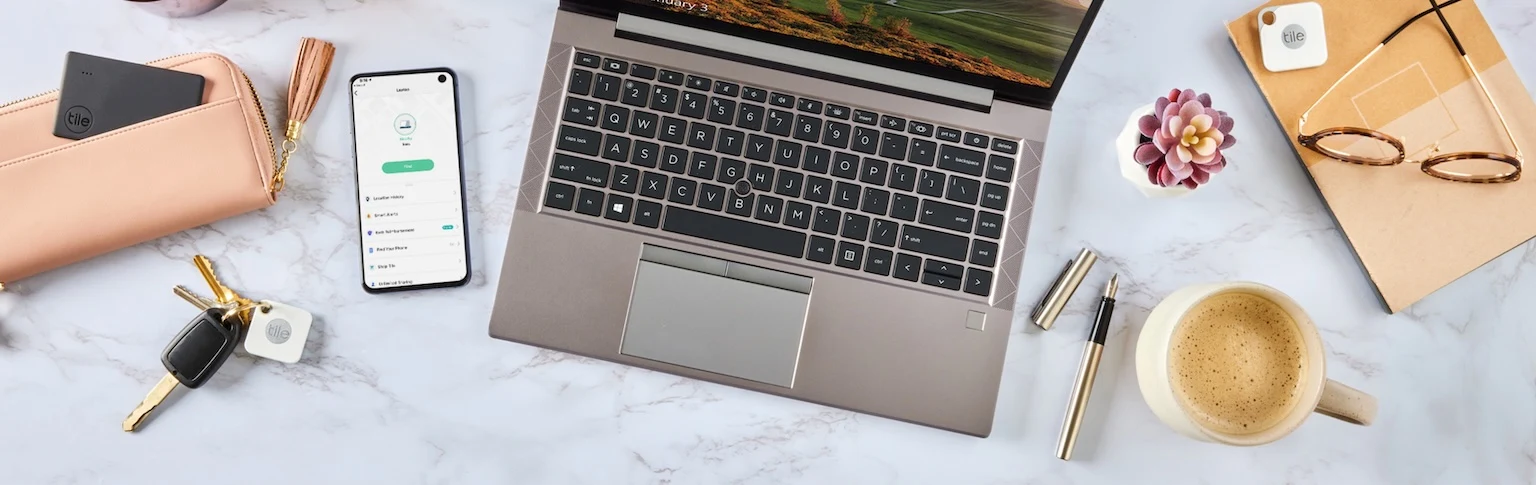
Tile Bluetooth trackers come in several shapes and sizes, so you can find the perfect one for each item. If you want to keep track of a bag or jacket, loop a Tile Mate on the item. For phones, remotes, or computers, try the petite Tile Sticker. No matter how many Tiles you get, the streamlined app allows you to keep track of all your Tiles from a single interface.
Any time you want to locate an object, just open the app, tap the item's Tile, and select Find.
This instantly sets off a ring you can follow to find your item. For objects outside of Bluetooth tracking range, you can seek help from the Tile Network. Marking something as Lost
will anonymously alert other people's devices to scan for your belonging. If it shows up, you get a notification that sends you right to the item's last known location.
Tile makes it easy to stay organized regardless of how many messy rooms you have. With our tips, you can hopefully cut back on stress, clutter, and anxiety. Need more help getting your messy house whipped into shape? If you'd like to learn a bit more about organizing with Tile, follow us on Facebook, Twitter, and Instagram.