4 Ways to Find a Stolen Laptop
Losing a laptop can be a stressful experience, and finding a stolen laptop. Well, that's a different situation entirely. With your data at risk and potential financial losses looming, knowing what steps to take in this unfortunate circumstance is critical.
If your laptop has been stolen or lost, this article may be able to help. Understanding and implementing the steps outlined in this guide can increase your chances of recovering your stolen device.
Are you looking for peace of mind regarding safeguarding your laptop? Try our innovative tracking solutions at Tile.
4 Ways to Find a Stolen Laptop
You can employ a few proven methods to track down your stolen laptop. We'll explore these in detail to equip you with the tools you need to reclaim your device.
1. Contact the Police
Your first step should be to report the theft to the police. Provide them with as much information as possible about the laptop, including its model, serial number, and distinguishing features. This step will assist in locating your computer and serve as an official record of the theft for insurance purposes.
2. Use a Bluetooth Laptop Tracker
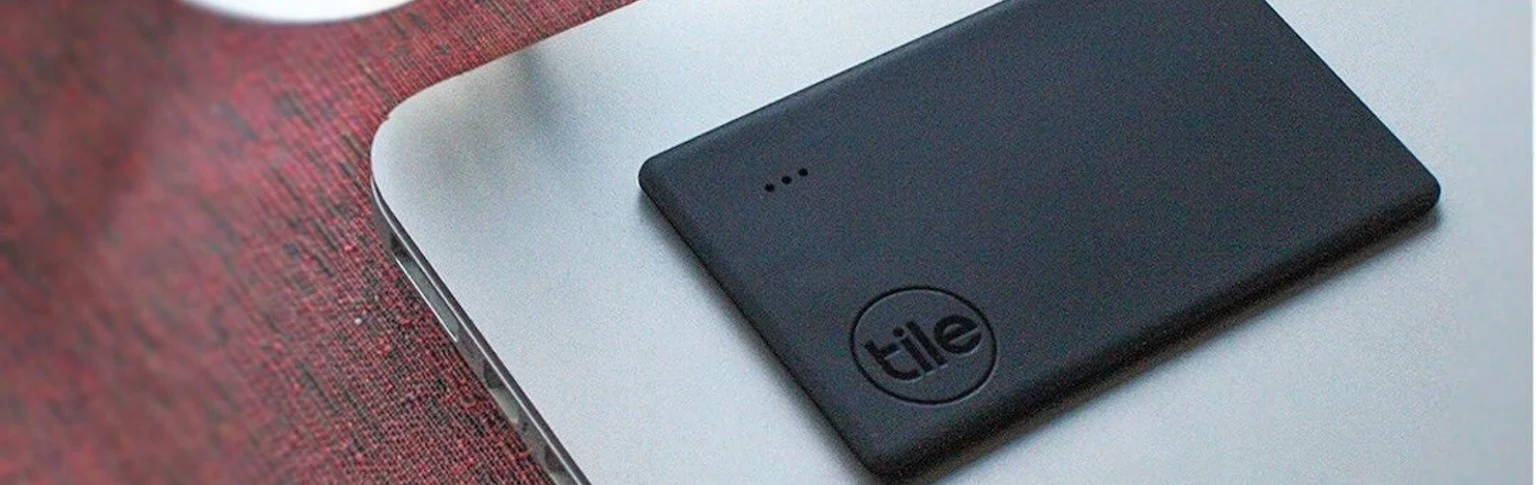
You can quickly locate your stolen laptop with a Bluetooth device tracker such as Tile. These trackers work by emitting a signal that can be tracked by an app on your phone, leading you straight to the location of your device.
The beauty of this solution lies in its simplicity - you attach the Tile to your laptop, download the app on your smartphone, and voila! You have a ready-made stolen laptop finder. Thieves may attempt to turn off traditional tracking methods, but their chances are greatly reduced with a Tile Bluetooth device tracker.
3. Use Gmail to Track IP Address
Did you know that Gmail could help in finding your stolen laptop? When your stolen laptop attempts to log into your Gmail account, its IP address is recorded. Using this IP address, you can approximate the location of your device. Due to legal restrictions, law enforcement and cybersecurity professionals should only use this method.
4. Use Built-In Location Tracker
Many laptops come with built-in location tracking features. For example, Apple's Find My Mac
and Windows' Find My Device
allow you to track your laptop's location if you've enabled these services beforehand.
This method only works if the stolen laptop is connected to the internet. Plus, experienced thieves may be able to disable these built-in trackers, further emphasizing the value of a separate tracking device like Tile.
Keep Track of Your Laptop and Devices with Tile for Your Electronics
Now that we've discussed locating a stolen laptop, let's look at how to prevent this headache. You will always be one step ahead when using Tile for your electronics.
A small, inconspicuous device, Tile uses advanced Bluetooth technology to track your laptop's location. The Life360 app provides real-time updates on your laptop's location and, in the event of theft, allows you to set your Tile to Lost,
activating all Tiles in the community to help find your device.
Unlike traditional built-in laptop trackers that can be disabled or bypassed, Tile offers a reliable and robust solution for all device tracking needs.
In conclusion, having your laptop stolen is a stressful event. However, knowing what steps to take can provide you with a practical action plan. By involving the police, leveraging your Gmail account, utilizing built-in laptop tracking, and especially using a device like Tile, you significantly increase your chances of recovering your stolen laptop.
Give yourself the peace of mind that comes with knowing your devices are protected. Check out our Tile trackers today.