Can a Tile Pro Battery Be Replaced?
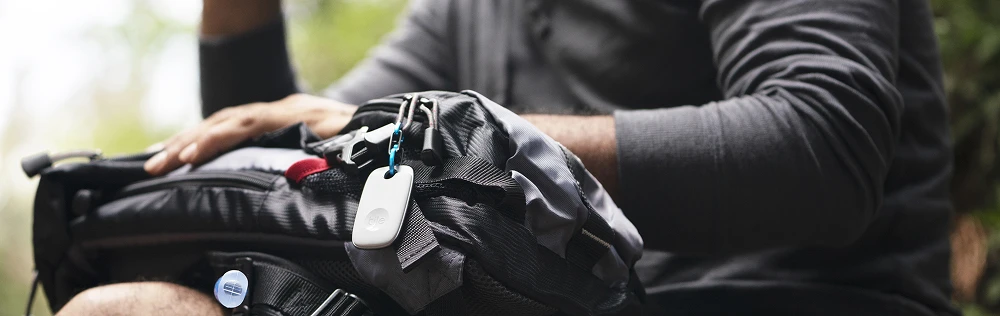
Have you ever experienced the frustration of losing something important? The Tile Pro is here to ease that stress. This compact Bluetooth tracker is a game-changer for locating misplaced items like keys and phones. But as with all battery-powered devices, the Tile Pro's battery won't last forever. Many users ponder, Is replacing a Tile Pro battery possible?
Let's uncover the answer and explore ways to maximize your Tile Pro's lifespan.
Tile Pro Battery Life
The Tile Pro battery functions seamlessly for up to a year, depending on usage. With this, you do not have to worry about putting your tracker on a charger. However, it's important to note that frequent use for tracking will deplete the battery faster. Optimizing battery life involves mindful usage and proper storage.
Are Tile Pro Batteries Replaceable?
The answer is a resounding yes! The Tile Pro features a user-replaceable battery, distinguishing it from other models with non-replaceable batteries. This design choice empowers users to maintain their device's efficiency without needing a total replacement.
Steps for Tile Pro Battery Replacement:
Prepare: Purchase any CR2032 lithium coin cell 3V battery.
Access: Open the battery compartment using a coin or fingernail.
Replace: Swap the old battery with the new one, ensuring correct orientation.
Test: Reconnect your Tile Pro to the app to verify functionality.
Remember: Mixing old and new batteries is not advised.
How to Maximize the Use of Your Tile Pro
The Tile Pro is more than just a tool for finding lost items. It's a versatile gadget that can simplify your life in various ways. Here are some practical use cases, along with tips for extending its battery life:
For Daily Essentials: Attach your Tile Pro to everyday items like keys, wallets, or bags. Use it to quickly locate these items when you're in a rush, saving time and reducing stress. To conserve battery life, avoid unnecessary tracking unless these items are genuinely misplaced.
Travel Companion: When traveling, place a Tile Pro in your luggage. It helps quickly find your suitcase at baggage claim or track it down if it gets misplaced. Turn off the Tile Pro when not traveling to extend battery life.
Pet Monitoring: Secure a Tile Pro to your pet's collar for peace of mind. It can assist in locating a pet if they wander off too far at home or in the park. However, limit its use to when your pet is likely to roam, conserving battery for when you need it.
Protecting Valuables: Use Tile Pro to track high-value items like cameras or laptops when on the go. It adds an extra layer of security and quick recovery in case of loss or theft. Activate the tracker only when these items are in transit or public spaces to maximize battery life.
Kids' Belongings: Attach a Tile Pro to your children's backpacks or sports equipment. It can help in locating their belongings at school or during outdoor activities. Teach your kids to activate the Tile Pro only when necessary, which helps in battery conservation.
Tile Pro Battery Care Tips:
Maintain Good Connection Quality: Keep your Tile Pro and connected devices in close range for efficient battery use.
Avoid Extreme Temperatures: Extreme heat or cold can drain the battery faster. Store your Tile Pro in a temperate environment.
Smart Alerts Feature: Use this feature sparingly. While it's helpful, frequent alerts can deplete the battery quickly.
Empower Your Daily Life with Tile Pro's Reliable Tracking
With a replaceable battery, your Tile Pro remains a reliable companion in locating your essentials. Unlike some trackers, the Tile Pro offers the convenience of battery replacement, ensuring continuous functionality. If you value efficiency and peace of mind, the Tile Pro is the ideal choice with its replaceable battery feature. Enhance your daily life by always knowing where your essential items are. Embrace the reliability of Tile Pro today!