For the weekend.
Not forever.
Temporary Circles create a shared map for only as long as the moment lasts. No cleanup, no awkward removals — it closes itself.

Location sharing done right — and done when you are.
Everyone sees everyone.
Not one person broadcasting to the group while everyone else flies blind. Every member sees every other member on one live map. No designated dispatcher. No can you see me yet?
texts.
Set it and forget it.
Pick your duration when you create the Circle — a few hours for a night out, a few days for a trip. It ends automatically when time's up. You don't have to remember to close it.
You stay in control.
End the Circle early anytime, for the whole group. There's no why did you remove me?
— because there's no removal. Pick your duration and it automatically ends once that amount of time expires.

Invite your group and set a duration.
Everyone sees everyone else's real-time location on one shared map — right in the Life360 app. When time's up, location sharing stops on it’s own. No cleanup. No awkward removals. It just ends.
Know where they are for as long as it matters.
Temporary Circles is built for anytime a group needs to stay connected for a while — then go back to normal.

Trips and family vacations

Weekend and group travel
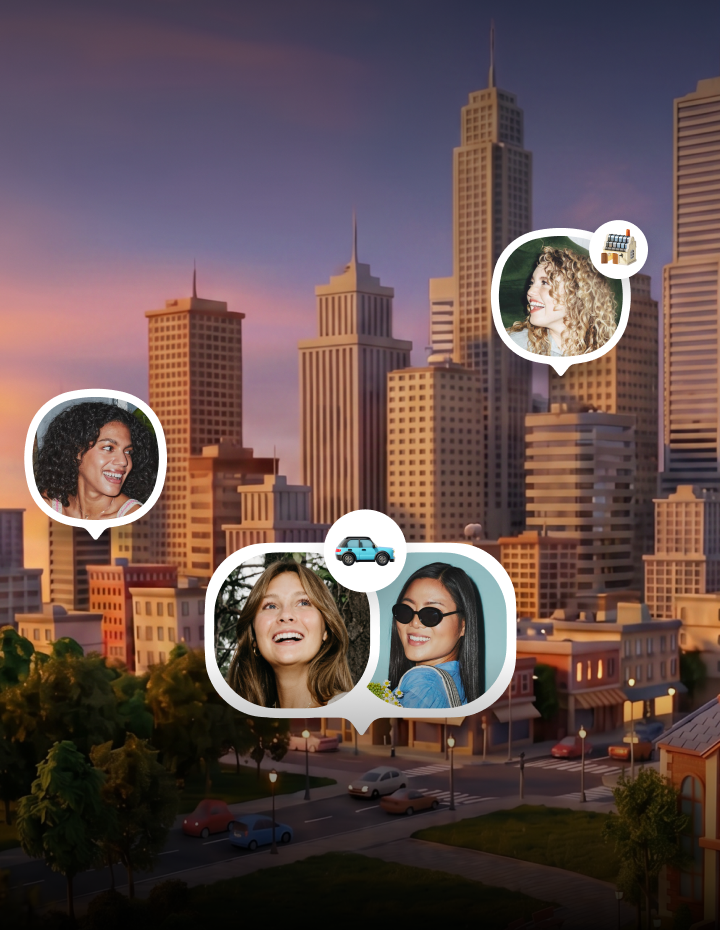
Nights out
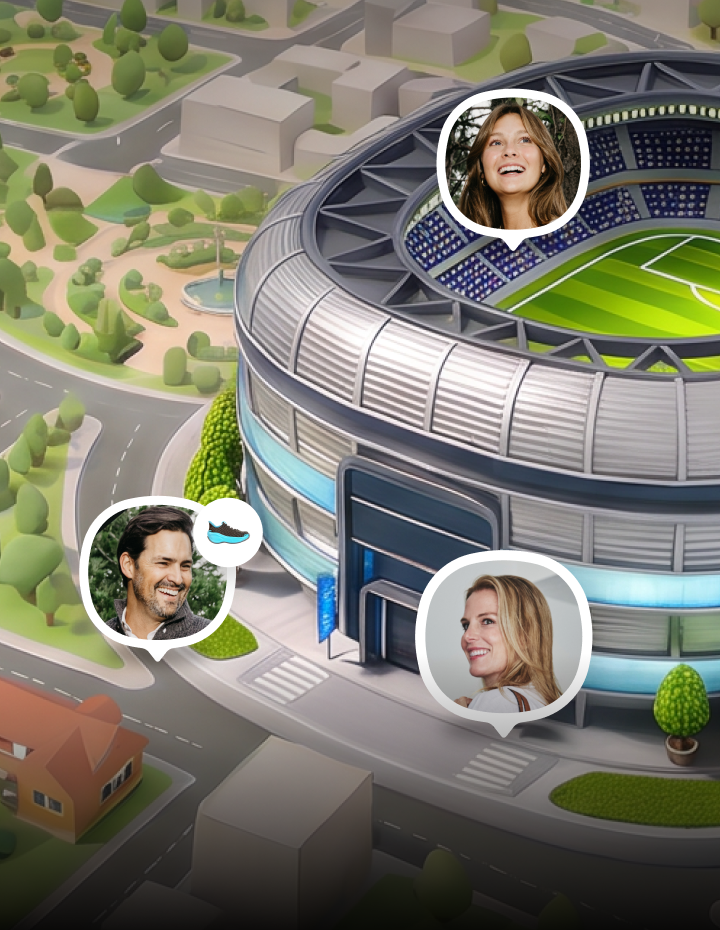
Concerts, festivals and games

Get up and running in no time.
1. Create a Circle
Open Life360 and start a new Circle.
2. Make it temporary
Set it as temporary and choose your duration — a few hours for a night out, a few days for a longer trip.
3. Invite your group
Everyone joins right in the app. From there, the whole group sees each other on one live map until time's up.

Your next trip needs a temporary Circle.
Invite the people you need, for exactly as long as you need them. No permanent commitment, no awkward removals — just the group, the map, and the moment.