How to use Amazon Alexa and Google Assistant with Tile
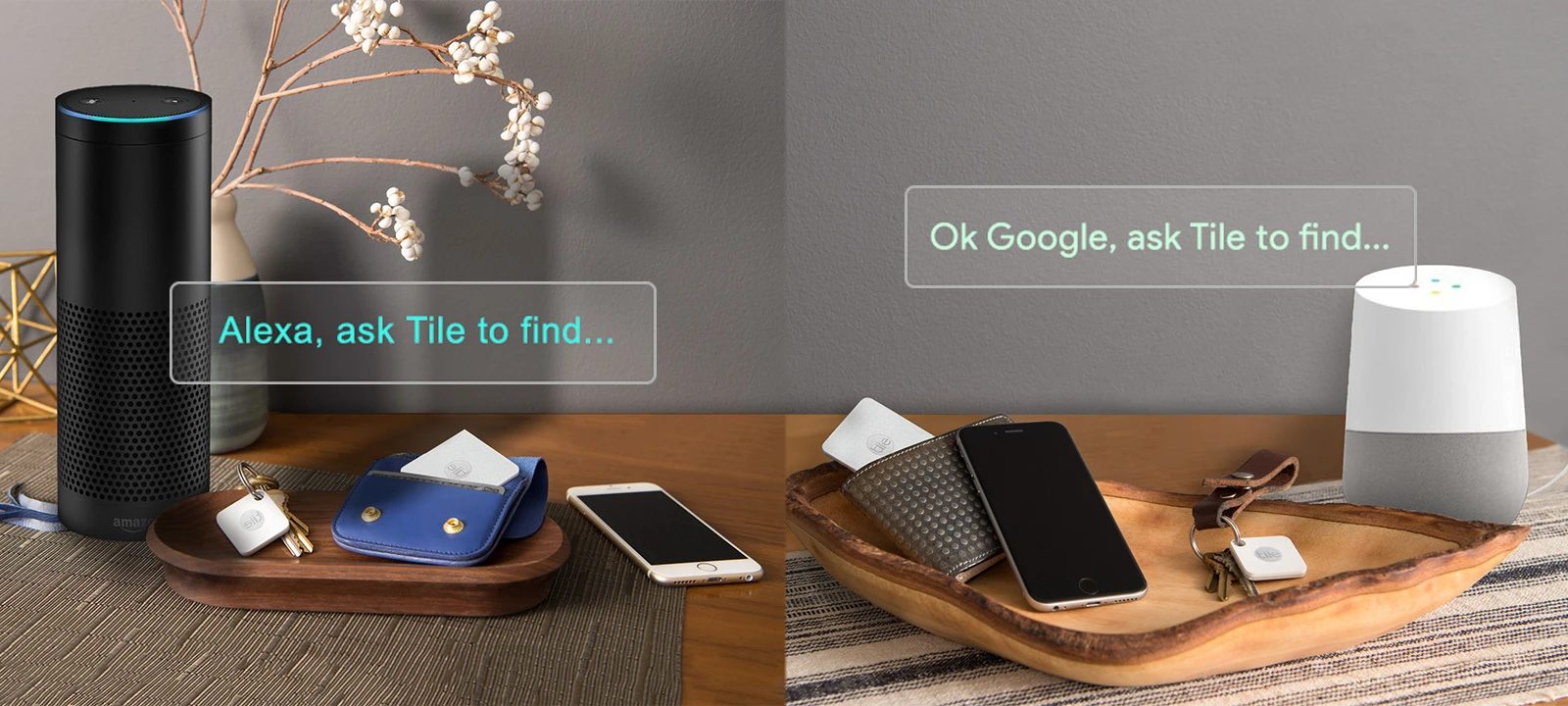
You asked, we listened.
At Tile we are all about providing you with new and innovative ways to make your life easier. In this spirit, we are proud to announce that Tile is now integrated with both Amazon Alexa and Google Home!
How to sync your Tile with Amazon Alexa
After you have activated your Tiles, complete these three steps in the Alexa app:
Enable the Tile skill and set up your Tile devices
Go to Devices > Trackers to enable Find My with Alexa
Select and save the Tiles you want to find with Alexa.
Now you're ready to go! To confirm if you synced successfully, Tile should show up under My Skills
in the Alexa app.
How to ring your Tile and/or phone using Amazon Alexa
If you are located within the U.S., please use the following phrases to find with Tile:
To ring your Tile: “Alexa, find my Keys” or “Alexa, ring my Keys”
To ring your phone: “Alexa, find my phone” or “Alexa, ring my phone”
To find out the last known location of your Tile: “Alexa, where are my keys” or “where is my phone”
If you have multiple Tiles on the same kind of item: For example, if you have two sets of keys with a Tile on both sets, or two phones in your Tile account- you will have to identify to Alexa which Tile/phone you would like it to ring.
If you are outside of the US, please follow the below ring directive skill:
To ring your Tile: “Alexa, ask Tile to ring my Keys” or “Alexa, ask Tile to find my Keys”
To ring your phone: “Alexa, ask Tile to ring my phone” or “Alexa, ask Tile to find my phone”
To find out the last known location of your Tile: “Alexa, ask Tile to locate my keys”
For installation instructions and troubleshooting, click here.
How do I sync Tile with Google Nest devices?
You can sync your Tile account with your Google Home app:
Open the Google Home App
Tap Add
Tap Set up device
Under Works with Google, select Have something already set up?
Search for Tile and select it
Enter your Tile login email and password
Once you fill out Tile login information, you will be linked successfully!
How can I use Tile with Google Nest devices?
You can ring your Tile by saying:
”Hey Google, ring my (laptop, keys)” Or “Hey Google, make my (backpack, water bottle, wallet) ring”
Or, you can ask the location of your Tile by saying:
“Hey Google, where is my (purse, camera, tablet)” Or “Hey Google, find my (gym bag, passport, bike)” Google Home
Add Tile to your Google Home and connect to your Tile account. To ring your phone — even if its on silent— just start by saying “Ok Google, ask Tile to find my phone.” To ring any of your other Tiles, like your wallet for example, just say “Ok Google, ask Tile to find my wallet.”
For installation instructions and troubleshooting, click here.
Enjoy!