Tile Introduces Shared Tiles for Androids and iOS Devices
We are excited to introduce Shared Tiles
to our community. A top request from Tilers is the ability to to share key objects with someone else. While Tile's finding Network spans over 230 countries and territories, this feature focuses on your personal community.
As kids we ask mom where our coat is, as young adults we ask roommates where the keys are, as couples we ask if others have seen the iPad. We've all been there and often look for things with people in our inner circle.
Now with Shared Tiles
you can find the shared keys, the household remote, and the office projector all using the people closest to you.
Learn how it works and get started below!
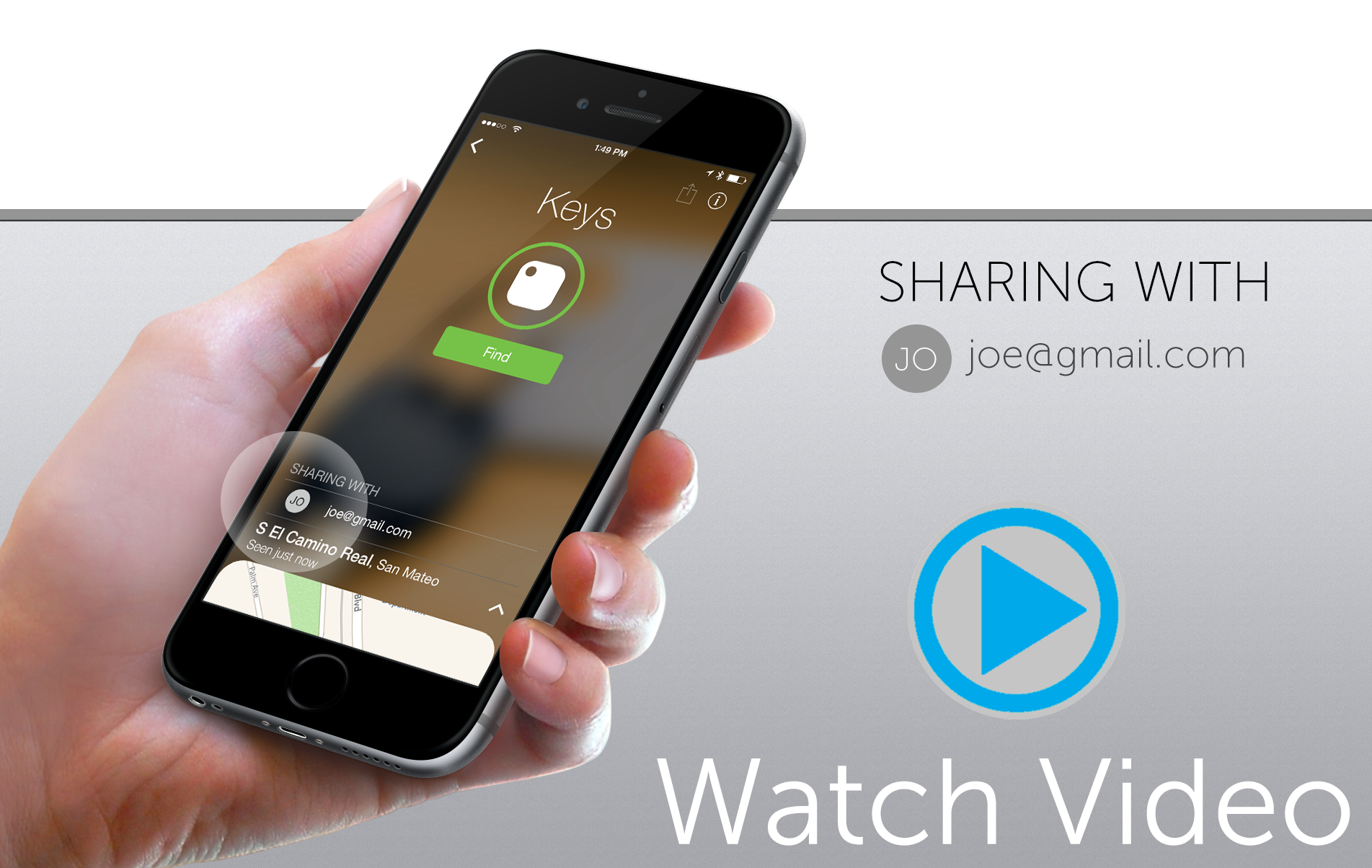
The person you share Tile with will be able to:
1. Ring the Tile
2. See location updates
3. Mark the Tile as Lost
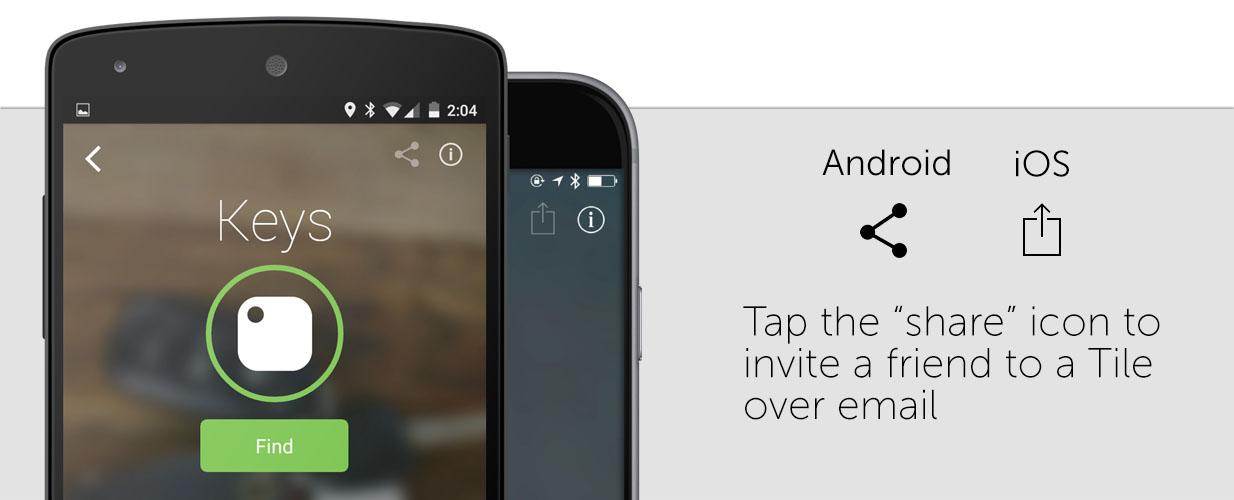
To Get Started
1. Update Your App (1.3)
2. Select the Tile that you would like to share.
3. Tap the Share
icon in the upper right corner.
4. Invite your friend via email.
Shared Tiles FAQ
1. How do I know if someone has shared their Tile with me?
When someone shares a Tile with you, you will notice a new Life360 appear on your list with an small bubble next to the Tile that's shared with you
2. How many people can I share with?
Currently, you can only share with one other Tiler. This could be one person or a group email account. We are working on expanding sharing to multiple people in the next few months.
3. Can I share with someone on a different type of phone?
As long as the other person also has the Life360 app on their device, you should be able to share your Tile. Just be sure that the other person has updated their Life360 app version to 1.3.
4. What if I want to unshare something?
You can revoke access to a Shared Tile by tapping on the Tile in your app, click the info button on the top right corner, and under Shared By select the red text Unshare
5. Can I share with someone who doesn't have the Life360 app?
You must have a registered Tile account in order to accept a shared Tile. However, if the person you want to share the Tile doesn't have an account you can send them an invitation to create an account by email.
6. Who owns
the Tile if its shared between 2 people?
Technically, both people can see a Tile at once. Although both people can view Tile, only one person at a time can connect to ring
it. The person who initially shared the Tile has the access rights to also take that back.
7. Can we both ring a shared Tile? Why not?
Think of it as first come, first serve. The first person connected to the Tile can Find
it, while the other can only view the Tile on the map. As soon s/he walks out of range, the other person you shared your Tile with has control of the Tile. You'll also see in your app that the other person is connected to your Tile.
8. What if accepting a shared Tile brings me over the 8 limit (iOS)?
You will be able to see all of your own and shared Tiles in the list on your app. Your device will still only be able to connect up to 8. If you are in range of more than 8 Tiles currently your own and shared, the device will connect with the first 8 is sees
.
9. What if accepting a shared Tile brings me over the 4 limit (Android)?
You will be able to see all of your own and shared Tiles in the list on your app. Your device will still only be able to connect up to 8. If you are in range of more than 4 Tiles currently your own and shared, the device will connect with the first 4 is sees
.
10. How does sharing interact with the last place seen feature?
Both users of a shared Tile can update the location of a Tile. If you are not in proximity of that Tile, the other person can update the location and it will show up on your app.
11. Does sharing work with my current Tiles or do I need to buy a new one?
Sharing is a software feature, and thus all Tile tags will be sharable.
If you have any questions, contact our customer support team here.