How to Track Luggage on Connecting Flights
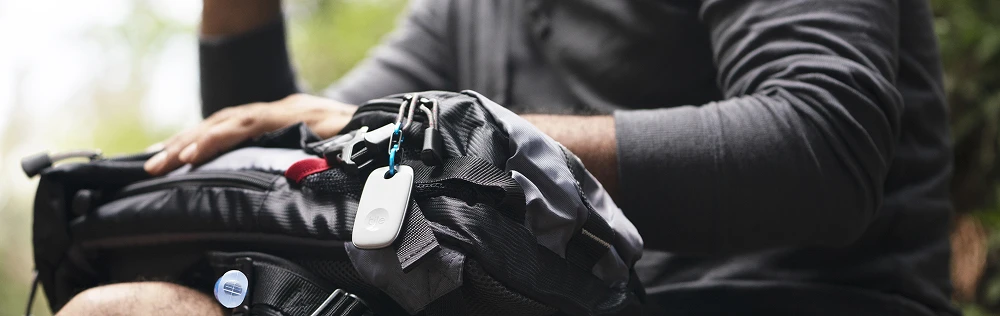
You probably know that Tile has helped countless travelers retrieve their lost luggage when it goes missing on the road. But for most of us, we are just looking to spend less time in transit and more time at our destination.
How to Track Luggage Between Connecting Flights
Here are a few helpful tips you can use on your next trip:
Tip One: Besting Baggage Claim
If you’re tired of standing around, watching every bag on your flight plop down the baggage shoot, anxiously wondering when yours will show up, try this:
Put a Tile tracker in your luggage.
When you make it to baggage claim, open the Life360 app and select the Tile that is in your luggage.
When your Tile gets close, the gray circle in your app will turn green, and you will know that you should make your way to the carousel to pick it up.
Tip Two: Confirm Your Bag Made Your Flight
Fun fact- your Tile tracker can usually connect to your phone through the floor of the plane - perfect for checked baggage. This can help determine if your luggage made your connecting flight. We got this tip from Tile community member Ira S. Read their story below:
I recently started putting a Tile into my luggage when I check a bag, especially when I have tight connections. As soon as I sit in my seat I check the app and I can tell that my bag had made it onto the first leg of a three-leg flight. Sure enough, there it was, right under my feet in the hold. Flash forward a few hours to the second leg. Although I lost contact with the Tile in my suitcase for a time, as soon as I sat down on the second leg there was that familiar green ring, again showing that the suitcase had made it onto the second leg. I repeated this process for the final leg and my bag and I were reunited at baggage claim. On my return flights I did this yet again, and, while standing at baggage claim I was able to tell that my bag was in close proximity, and seconds later there was my bag, with its Tile enclosed. Thanks for a great product and peace of mind while traveling.
- Ira S., Maryland
Tip Three: Use Multiple Trackers
Sharing your Tiles with your travel companion is a great way to find important things faster — like your passport, kindle or wallet when you’re on the road.
Bonus Fun Fact: Some of Tile’s most useful features still work in Airplane mode! As long as your Bluetooth is enabled you will be able to connect to and ring your Tiles from your device.
Tile Trackers for Luggage: Don't Get Disconnected
Be sure to put a Tile in your bag before your next trip - losing your luggage during connecting flights is more common than you think. Don't be left without a clue - buy a Tile tracker today.