HomepageLife360 logo
Pet SafetyMembership PlansShopSale
Get started
Core Tile 1

Tile

Small size, big features

Core Tile Pro 1

Tile Pro

Longest range

Core Tile Slim 1

Tile Slim

Fits anywhere

Core Tile Sticker 1

Tile Sticker

Sticky to stay put

pet gps feature

GPS Pet Tracker

Real-time pet tracker

ImageAsset

Sale

Shop Limited Time Deals!

  • New Arrivals
  • Custom Branded Tiles
Explore Tile Trackers
da762308-f79a-471f-b73b-479cce75a91b 1

Location Sharing

See they’re safe — no calls or check-ins needed.

nav-driving-safety

Driving Safety

Wherever they’re headed, we’ll be along for the ride.

260x174-Digital-safety 1

Digital Safety

From unexpected digital threats to the unwanted charge — we've got you.

260x174-Aging-Parents-Final

Parents

They stay independent. You stay informed.

nav-emergency-assistance

Emergency Assistance

Count on us when every second counts.

Trust & Safety

Trusty Safety-Heromodule-Web 1

Your safety, your information, your control

Life360 is designed to help families stay connected and safe. That includes keeping your information safe, too.  We know trusting us with your family’s information is a big deal. This page breaks down, in plain language, how we use data, how we protect it, and what you can control.

For more detailed information, see Life360’s Privacy Policy.
Handshake-160x160

Participation is consent-based

Participation in location-sharing is consent-based—you choose who can see your location on Life360 and can change that at any time.

Toggle-160x160

Members stay in control.

Accessible in-app settings let you manage location sharing, advertising preferences, and partner participation. Some are enabled by default and can be changed at any time.

Shield-160x160

We apply defined guardrails to data used in advertising and partnerships.

These guardrails set clear limits on how your information can be used and shared.

Lock-160x160

Protection is continuous.

We regularly invest in security, misuse prevention, and responsible design to protect members and their information.

Explore how Trust & Safety works at Life360
Device permissions 1

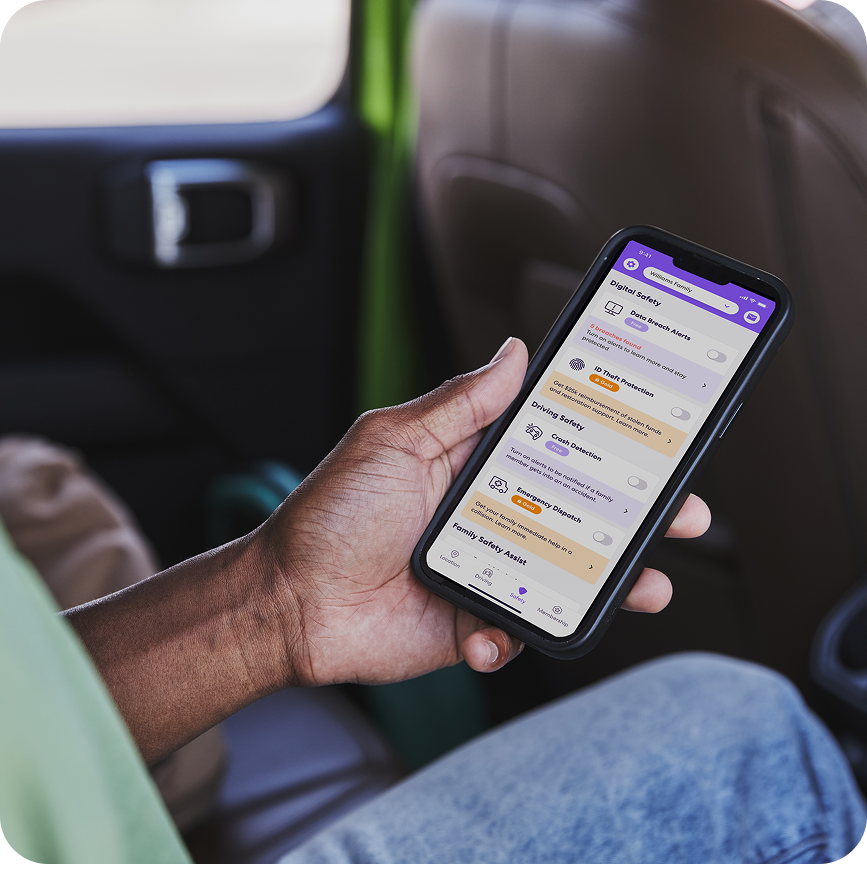
Device Permissions

Device permissions power features for your experience, like real-time location sharing, driving insights, and Crash Detection. To learn what these permissions power and what choices are available:

Review Permissions

media column desktop app features

Trusted Partnerships

We work with a limited number of trusted partners to power features within the app. To learn what data is shared and what choices you have.

Learn more

media column desktop app family

Responsible Advertising

Advertising plays an important role in supporting our free membership, helping us provide core safety features to millions of families at no cost. Our approach is guided by transparency, defined guardrails, and meaningful member choice. To learn how advertising works and what choices are available:

See your ad choices

media column desktop app circle

Your Controls

Members can manage permissions, advertising preferences, and partner participation in the app. To see what controls are available and how to manage your preferences:

See your controls

media column desktop security

Security & Account Protection

We protect member data with encryption, strict access controls, and continuous monitoring to help prevent unauthorized access. We also maintain dedicated response processes to act quickly if something goes wrong. To see how we approach account and device security:

See how we protect you

FAQs